Every supplier has its own photos
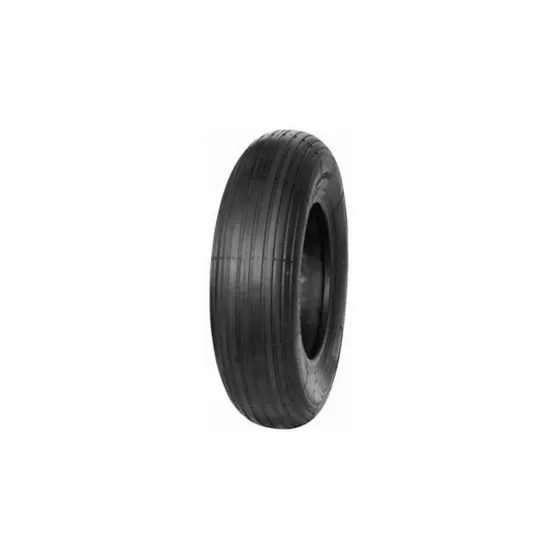
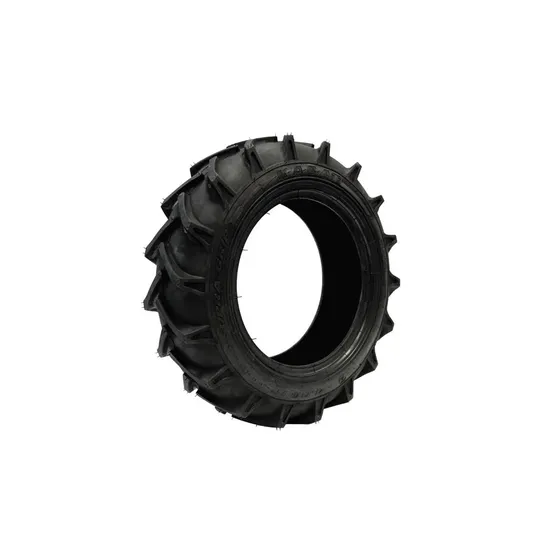
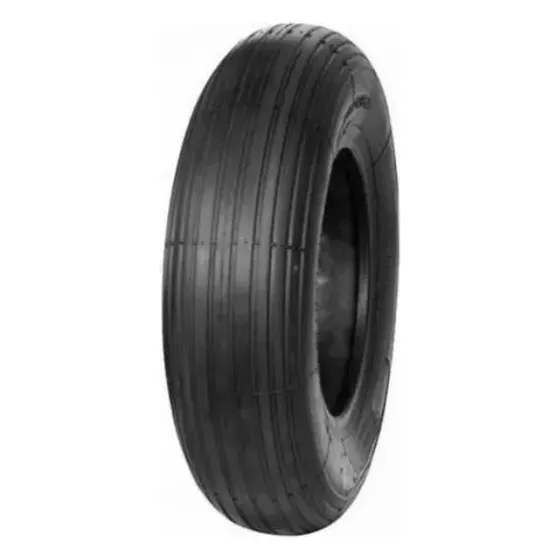
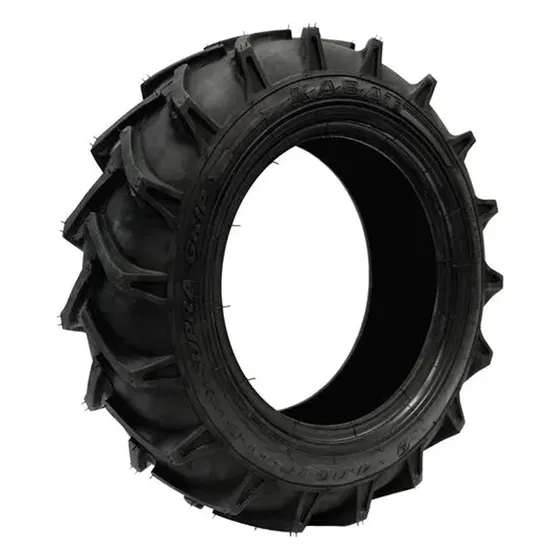
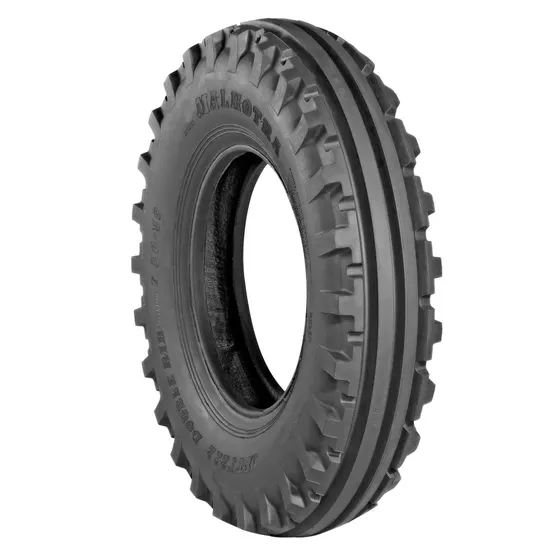
With one supplier you don't notice it. With five, your catalog looks like a flea market.
✕
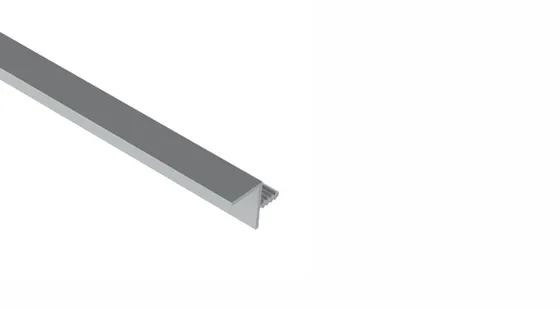
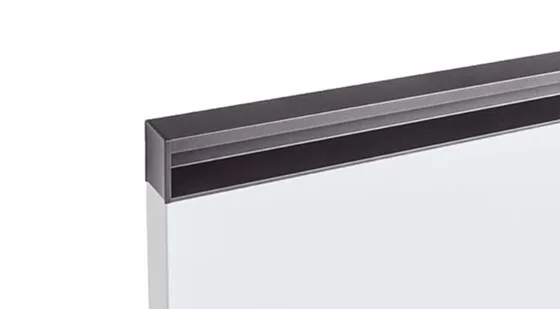
Different scale and margins
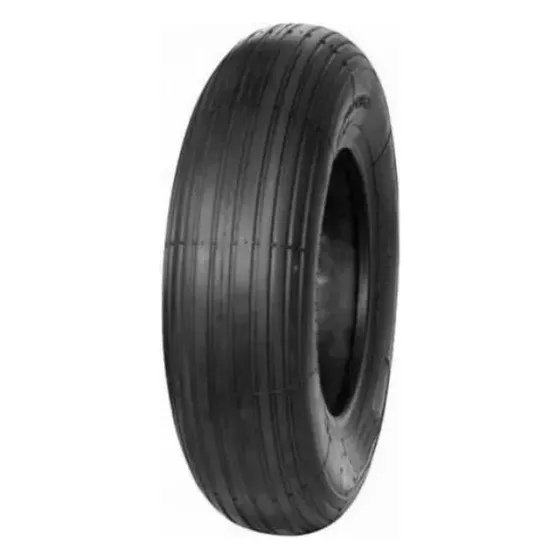
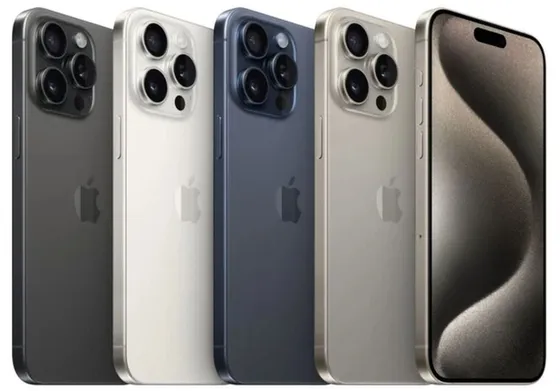
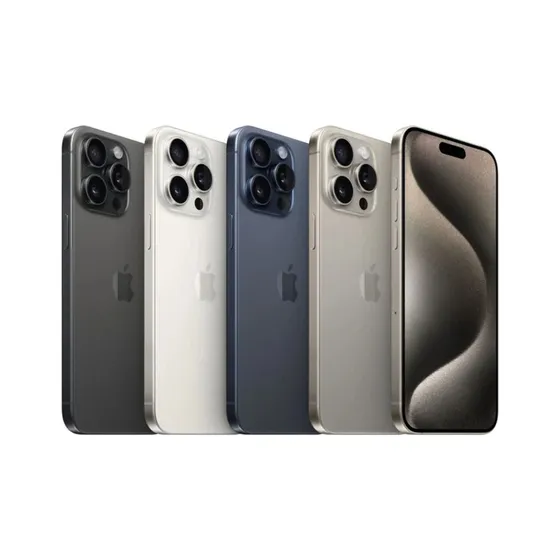
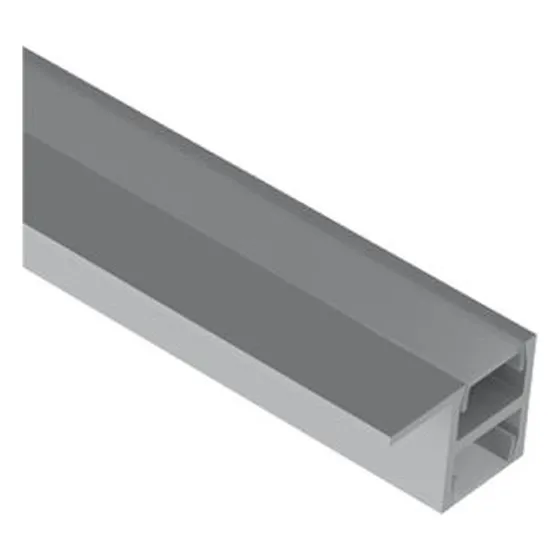
One fills the whole frame, another puts a tiny product in the middle, a third sends a stretched photo.
✕
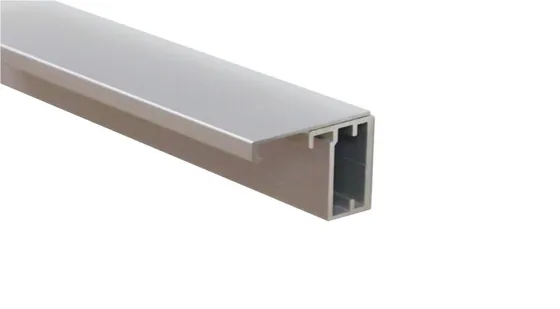
A jumpy category grid
Products of different sizes sit out of line, and heavy multi-megabyte files slow the site down.
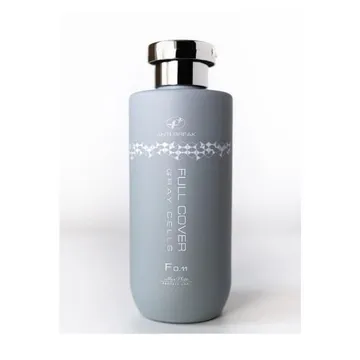
⚠ Photo rejectedImage background is not whiteSize below the minimum
✕
The marketplace rejects photos
Marketplaces require JPG on a pure white background, and often a minimum photo size. A standard store import can't do that.





'%20xml:space='preserve'%20xmlns:inkscape='http://www.inkscape.org/namespaces/inkscape'%20xmlns:sodipodi='http://sodipodi.sourceforge.net/DTD/sodipodi-0.dtd'%20xmlns='http://www.w3.org/2000/svg'%20xmlns:svg='http://www.w3.org/2000/svg'%3e%3csodipodi:namedview%20id='namedview4'%20pagecolor='%23ffffff'%20bordercolor='%23000000'%20borderopacity='0.25'%20inkscape:showpageshadow='2'%20inkscape:pageopacity='0.0'%20inkscape:pagecheckerboard='0'%20inkscape:deskcolor='%23d1d1d1'%20inkscape:zoom='0.5'%20inkscape:cx='546'%20inkscape:cy='199'%20inkscape:window-width='1366'%20inkscape:window-height='705'%20inkscape:window-x='-8'%20inkscape:window-y='-8'%20inkscape:window-maximized='1'%20inkscape:current-layer='eBay_logo'%20/%3e%3cdefs%20id='defs1'%3e%3cstyle%20id='style1'%3e%20.cls-1%20{%20fill:%20%230968f6;%20}%20.cls-1,%20.cls-2,%20.cls-3,%20.cls-4%20{%20stroke-width:%200px;%20}%20.cls-2%20{%20fill:%20%2392c821;%20}%20.cls-3%20{%20fill:%20%23f02d2d;%20}%20.cls-4%20{%20fill:%20%23ffbd14;%20}%20%3c/style%3e%3c/defs%3e%3cg%20id='g4'%3e%3cpath%20class='cls-4'%20d='m%20633.07803,212.53323%20c%20-45.43873,1.48929%20-73.6715,9.689%20-73.6715,39.61897%200,19.37591%2015.44713,40.38162%2054.66334,40.38162%2052.57698,0%2080.64259,-28.65902%2080.64259,-75.66331%20l%200.003,-5.16994%20c%20-18.43302,0%20-41.16414,0.16089%20-61.63704,0.83266%20z%20m%20111.75103,62.10248%20c%200,14.58313%200.42155,28.9782%201.69406,41.94092%20h%20-46.61408%20c%20-1.24325,-10.67368%20-1.6972,-21.27945%20-1.6972,-31.56656%20-25.20195,30.97941%20-55.17735,39.88537%20-96.76149,39.88537%20-61.67674,0%20-94.70072,-32.59982%20-94.70072,-70.30689%200,-54.61215%2044.91583,-73.86739%20122.89013,-75.65391%2021.32332,-0.48686%2045.27419,-0.55894%2065.07531,-0.55894%20l%20-0.003,-5.33606%20c%200,-36.56098%20-23.44364,-51.59335%20-64.06765,-51.59335%20-30.15876,0%20-52.38579,12.48057%20-54.6764,34.0468%20h%20-52.65168%20c%205.57217,-53.77165%2062.06643,-67.37115%20111.74005,-67.37115%2059.50837,0%20109.77228,21.17288%20109.77228,84.11481%20z'%20id='path1'%20style='fill:%23ffbc13;fill-opacity:1'%20/%3e%3cpath%20class='cls-3'%20d='m%20199.63633,185.86602%20c%20-1.94427,-46.87735%20-35.77951,-64.41973%20-71.94139,-64.41973%20-38.99421,0%20-70.12667,19.7327%20-75.58026,64.41973%20z%20M%2051.034408,219.1909%20c%202.704332,45.48365%2034.069782,72.38437%2077.197532,72.38437%2029.88033,0%2056.45979,-12.17498%2065.35948,-38.66041%20h%2051.68424%20c%20-10.05205,53.73979%20-67.15384,71.98058%20-116.303,71.98058%20C%2039.606424,324.89544%200,275.67889%200,209.30653%200,136.24203%2040.965642,88.12194%20129.78809,88.12194%20c%2070.69867,0%20122.49992,36.99926%20122.49992,117.75572%20v%2013.31324%20z'%20id='path2'%20style='fill:%23f12c2d;fill-opacity:1'%20/%3e%3cpath%20class='cls-1'%20d='m%20380.83181,290.6235%20c%2046.57228,0%2078.44078,-33.52181%2078.44078,-84.10854%200,-50.58203%20-31.8685,-84.10854%20-78.44078,-84.10854%20-46.31058,0%20-78.44392,33.52651%20-78.44392,84.10854%200,50.58673%2032.13334,84.10854%2078.44392,84.10854%20z%20M%20252.2854,0%20h%2050.10249%20l%20-0.005,125.87707%20c%2024.55682,-29.25975%2058.38892,-37.75513%2091.68976,-37.75513%2055.83503,0%20117.85132,37.6773%20117.85132,119.02875%200,68.12232%20-49.32155,117.74475%20-118.78114,117.74475%20-36.35726,0%20-70.58062,-13.04265%20-91.68663,-38.88294%200,10.32107%20-0.57618,20.72364%20-1.70503,30.56413%20h%20-49.17162%20c%200.85513,-15.90944%201.70555,-35.7184%201.70555,-51.74693%20z'%20id='path3'%20style='fill:%230968f6;fill-opacity:1'%20/%3e%3cpath%20class='cls-2'%20d='M%201000,96.45747%20845.05541,400.75099%20H%20788.94926%20L%20833.49578,316.25589%20716.89033,96.45747%20h%2058.6266%20l%2085.80469,171.73057%2085.56283,-171.73057%20z'%20id='path4'%20style='fill:%2393c822;fill-opacity:1'%20/%3e%3c/g%3e%3c/svg%3e)